
MonitorFlare
Self-hosted uptime monitoring with a beautiful public status page — running completely free on Cloudflare Workers, D1 and Pages. No servers, no VPS, no monthly costs.


Features
Everything you need to keep your services online — without leaving the Cloudflare free tier.
Multi-protocol monitoring
- HTTP / HTTPS with custom headers & keyword checks
- DNS records (A · AAAA · CNAME · MX · TXT · NS) via DoH
- TCP port reachability
- SSL certificate & domain expiry (crt.sh + rdap.org)
- Shields.io-style monitor badges (SSL / HTTP / HTTPS / DNS / TCP), hover turns green
- One-click SSL deep check — jump to a full analysis at csr.plus/check
9 notification channels
- DingTalk · WeCom · Feishu · Telegram · Slack · Discord · ntfy · Webhook
- Email via Resend, SendGrid, Mailgun, Postmark or AWS SES
- Error-rate thresholds & consecutive-failure escalation
Public status page
- Tag groups, incident timeline & scheduled maintenance
- Email subscription & RSS/Atom feed
- Custom branding, dark/light themes, installable PWA
- Monitor detail page — uptime stats (24h/7d/30d/90d), 90-day uptime bar, latency trend chart & check logs
- Private mode — password-protect your status page (SHA-256) with a 7-day unlock token
Zero-ops platform
- One-click Deploy to Cloudflare — no CLI needed
- Auto-initialized D1 schema, open API & webhooks
- Backup & restore, multi sign-in, API keys
See it in action
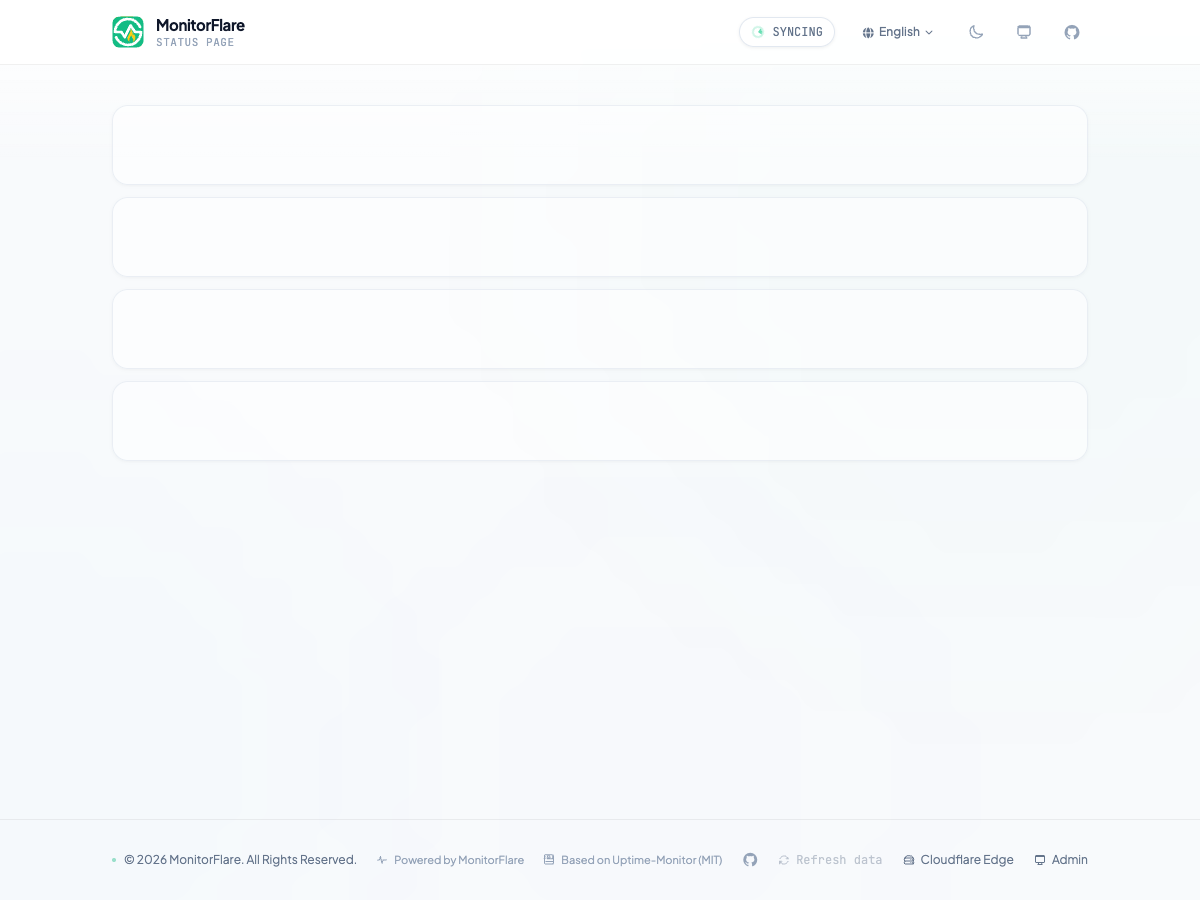
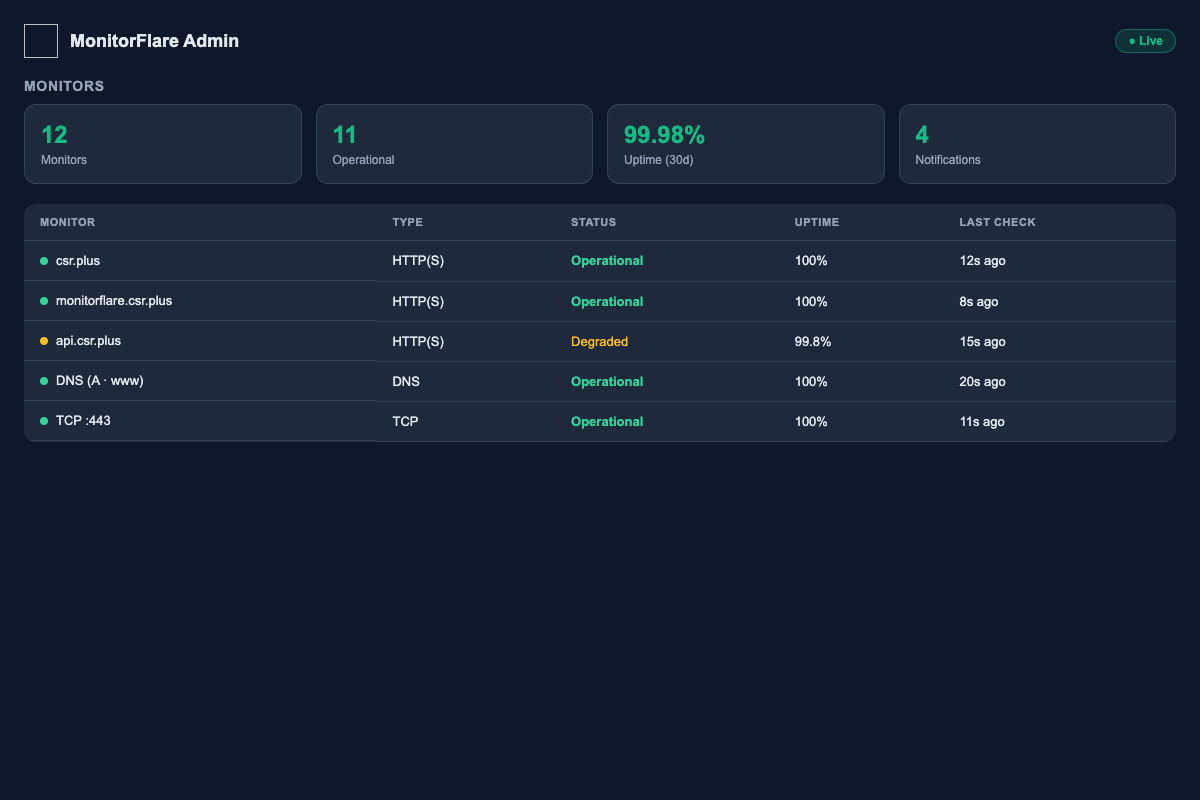
A public status page and the admin dashboard — both running on your own Cloudflare account.
MonitorFlare vs the alternatives
The honest comparison — zero cost, zero lock-in, full control of your data.
| Service | Price | Protocols | Status page | Ads | Privacy | Open source |
|---|---|---|---|---|---|---|
| MonitorFlareOurs | Free | HTTP · DNS · TCP · SSL | Yes | No ads | On your account | Open (MIT) |
| UptimeRobot | From $6.67/mo | HTTP · DNS · TCP · SSL | Yes | Ads on free tier | Vendor-hosted | Closed |
| Better Stack | From $29/mo | HTTP · DNS · TCP · SSL | Yes | No ads | Vendor-hosted | Closed |
| Uptime Kuma | Free | HTTP · DNS · TCP · SSL | Yes | No ads | On your server | Open (MIT) |
Prices are reference values from vendor websites and may change at any time. MonitorFlare runs on the Cloudflare free tier at $0.
Built for real use cases
From personal blogs to production SaaS — one deploy covers them all.
Personal blog
Monitor your blog's HTTPS certificate and uptime, with a public status page your readers can trust.
Indie SaaS
Show customers a live health page for your product — SSL expiry, API uptime and incidents in one place.
Small team CI
Watch the upstream services your CI depends on — registries, DNS, APIs — and get alerted before builds fail.
Deploy in 3 steps
Your status page can be live in under five minutes.
Press Deploy
Click the Deploy to Cloudflare button and sign in with your Cloudflare account.
Set your admin key
Enter ADMIN_API_KEY — your dashboard password — when prompted.
You are live
The Worker auto-creates the D1 database schema on first visit. Add monitors and share your status page.
Roadmap
What's coming next — follow the project to stay updated.
Multilingual status page, iCal subscription, scheduled maintenance calendar
Prometheus exporter, Terraform provider, hosted SaaS option
Frequently asked questions
How much does MonitorFlare cost?
Completely free. It runs entirely within the Cloudflare free tier (Workers, D1, Pages) — no servers, no VPS, no monthly costs.
What can MonitorFlare monitor?
HTTP/HTTPS requests with custom headers and keyword validation, DNS records (A, AAAA, CNAME, MX, TXT, NS) via DoH, TCP port reachability, and SSL certificate & domain expiry detection via crt.sh and rdap.org — with error-rate thresholds and consecutive-failure escalation.
How do I deploy it?
One click: press the Deploy to Cloudflare button, sign in, set your ADMIN_API_KEY, and you are done. The Worker auto-creates the D1 schema on first visit. No CLI needed — GitHub Actions CI/CD and manual options are also documented.
Which notification channels are supported?
DingTalk, WeCom (WeChat Work), Feishu (Lark), Telegram, Slack, Discord, ntfy, generic webhook, plus email via Resend, SendGrid, Mailgun, Postmark or AWS SES.
Can I brand my status page?
Yes — custom logo, title and description, dark/light themes, tag groups, incident timeline, scheduled maintenance windows, email subscription and RSS/Atom feed. It is also installable as a PWA.
Is it really open source?
Yes. MonitorFlare is MIT licensed and an enhanced fork of Uptime-Monitor. Deploy it, fork it, or self-host it wherever you like.
How do I monitor HTTPS certificate expiry?
Add an HTTP(S) monitor to the domain — MonitorFlare automatically detects SSL certificate and domain expiry via crt.sh and rdap.org, and alerts you before the certificate expires.
How does MonitorFlare compare to UptimeRobot?
MonitorFlare is free, open source (MIT) and runs entirely on your own Cloudflare account — no monthly subscription, no vendor lock-in, no third-party hosting. UptimeRobot is a hosted SaaS with a free tier that includes ads and limits.
Does my monitoring data leave my account?
No. Workers, the D1 database and Pages all live inside your own Cloudflare account. Data is stored in your D1 database and optional R2 backups stay in your account too.
Can I password-protect my status page?
Yes — enable private mode in Site Settings and set an access password. Visitors unlock the page with the password for 7 days, and all public endpoints are protected. Defaults to public.
Start monitoring for free today
Deploy your own zero-cost uptime monitoring and public status page on Cloudflare in minutes — then stay in the loop for updates.